
How to Spot a Fake Calculator: Authentic Casio, TI & Secret Vault Guide

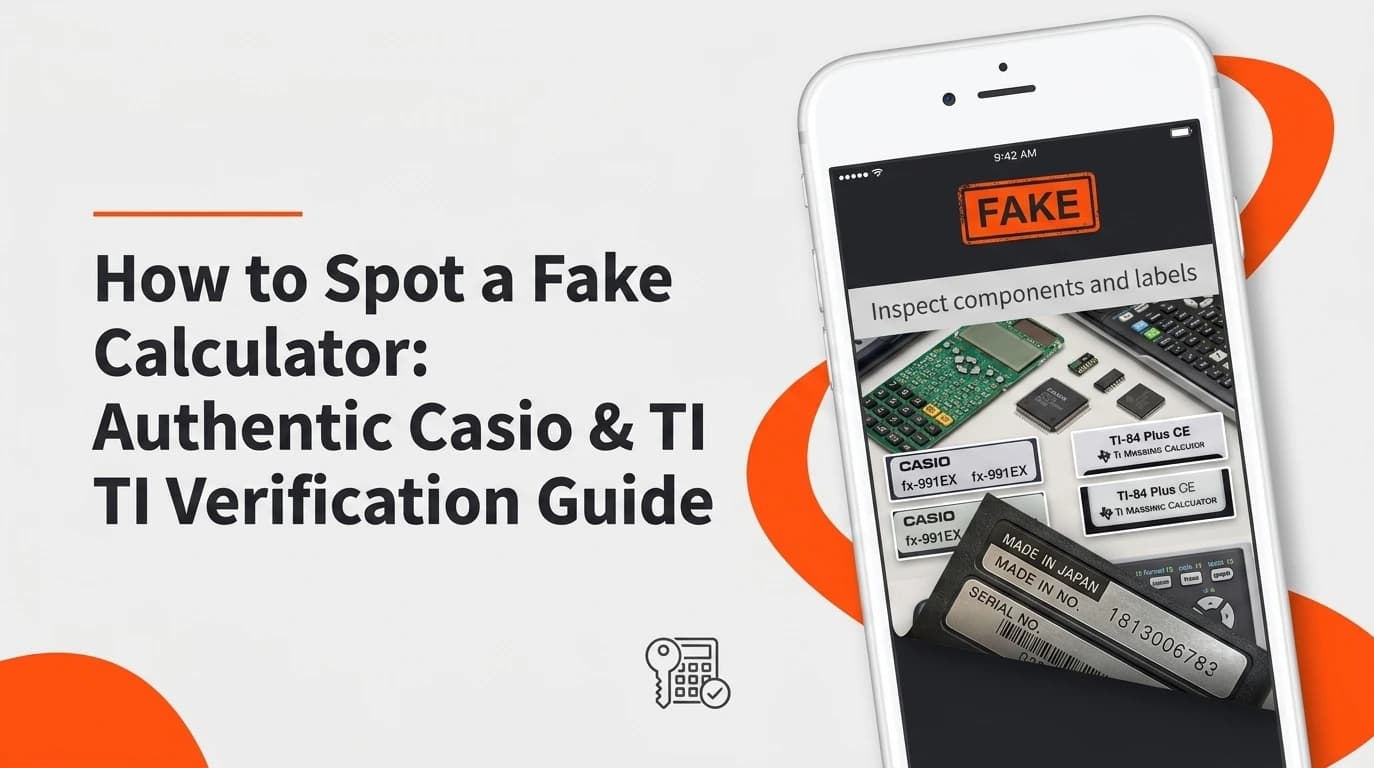
Quick Inspection Checklist:
To verify if your scientific or graphing calculator is authentic: 1) Perform the Diagnostic Test by holding SHIFT + 7 + ON, 2) Verify QR Code Generation via SHIFT + OPTN to confirm server match at casio.com, 3) Block the Solar Panel to test for dummy glass, and 4) Inspect Key Typography for crisp laser-etched font printing.
As online marketplaces expand, counterfeit scientific and graphing calculators have flooded platforms like Amazon, eBay, AliExpress, and secondary marketplaces. Unsuspecting high school and university students purchasing models such as the Casio fx-991EX ClassWiz, fx-991CW, or Texas Instruments TI-84 Plus CE often receive cheap knockoffs that produce wrong calculation results, fail mid-exam, or drain batteries in days.
The Discontinued Casio fx-991EX Counterfeit Epidemic
Why are calculators targeted by counterfeiters? When Casio officially discontinued the legendary fx-991EX ClassWiz in favor of the newer fx-991CW series, secondary market prices surged. Counterfeiters capitalized on this scarcity by mass-producing replica plastic casings fitted with sub-standard clone microcontrollers.
As documented in community teardowns on r/calculators (Bought a Fake Casio fx-991EX), r/calculators (Is My Casio Genuine or Replica?), r/calculators (Fake fx-991EX Investigation), and r/mildlyinfuriating (Counterfeit Calculator Post), unsuspecting buyers are frequently tricked by convincing exterior packaging until they test performance or key depth.
5 Definitive Hardware Verification Tests
Test 1: QR Code Web Verification (SHIFT + OPTN)
On authentic Casio ClassWiz models, pressing SHIFT followed by OPTN (or Menu) generates an encrypted dynamic QR code on screen. Scanning this code with your smartphone camera redirects to an official casio.com domain displaying a green checkmark and matching serial number. As detailed in the r/calculators Visual Fake Identification Guide and r/calculators Guide to Check Fake Calculators, fake units generate static non-functional QR codes, redirect to generic search results, or fail to output a code altogether.
Test 2: The Solar Panel Block Test
Genuine scientific calculators feature true dual-power: a solar cell backed by an internal button battery. Counterfeit manufacturers install a dummy piece of tinted glass or plastic connected to zero internal wiring! To test: cover the solar strip completely with opaque tape or your thumb under normal room light. On fake units, removing or covering the solar strip has zero effect because the unit relies 100% on a cheap, unassisted battery that drains rapidly.
Test 3: Typography, Beveling & Key Tactile Click
As highlighted in r/calculators (Is My Calculator Real?) and r/calculators (Fake or Real Checks), authentic Casio and Texas Instruments keys feature laser-etched font printing with crisp italicized variable symbols (x, y, M). Counterfeit keys use thick, cheap silk-screen ink that smudges easily, exhibits off-center placement, and feels mushy without a distinct tactile snap.
Test 4: Packaging Hologram & Barcode Inspection
Examining packaging as shown in r/calculators (Can Anyone Help Figure Out If Fake?) reveals that authentic Casio boxes feature security holographic stickers that shift color under light, high-resolution barcode prints, and flawless manual typography. Fake packaging often features blurry text, missing hologram seals, or poor cardboard quality.
How to Access Built-in Self-Test Diagnostic Mode (SHIFT + 7 + ON)
Every authentic Casio scientific calculator includes a factory hardware diagnostic test embedded into its ROM firmware. Follow this key combination to test your calculator:
- Ensure the calculator is powered OFF.
- Press and hold
SHIFTand7simultaneously. - While holding
SHIFTand7, pressON. - The screen will illuminate displaying diagnostic text (e.g.
DIAGNOSTICorPRESS 9). - Press
9to enter the screen and ROM verification sequence. - Press
SHIFTrepeatedly to cycle through the LCD contrast grid test, ROM checksum version, and keypad matrix test.
Counterfeit microcontrollers either fail to enter diagnostic mode entirely, freeze during the key test, or display invalid generic ROM numbers (such as CY-248) that do not match official Casio firmware registers.
Math Precision Bugs & Low-Quality Microcontroller Clones
Beyond cosmetic differences, counterfeit calculators pose a major risk during academic exams. Cloned microcontrollers lack floating-point mathematical coprocessors, leading to subtle rounding errors in matrix determinants, trigonometric functions, and statistical regressions.
Digital Fake Calculators: Secret Calculator Vault Apps
Beyond physical hardware counterfeits, a secondary phenomenon has emerged on smartphones: digital fake calculators. As discussed in popular online threads like r/relationship_advice (Suspicious Calculator App Found), mobile apps designed to look like standard iOS or Android calculators are often "Vault Apps" (secret photo, file, or message lockers).
How to Identify Secret Calculator Vault Apps on Mobile:
- Check App Permissions: Go to phone Settings > Apps. A standard calculator requires zero special permissions. If a "Calculator" app requests access to Camera, Photo Library, Microphone, or Storage, it is a secret vault app!
- Check App Store Name & Developer: Search the exact app name in the App Store or Google Play Store. Vault apps are listed under titles like Calculator#, Calculator Vault, or Secret Photo Locker.
- Keypad Behavior: Secret vault apps often open a passcode prompt when entering a specific numerical PIN followed by
%or=.
Hardware Verification Matrix: Genuine vs. Fake
| Feature / Test | Genuine Casio / TI Calculator | Counterfeit / Fake Replica |
|---|---|---|
| QR Code Verification | Dynamic QR links to official casio.com domain |
Fails, outputs static broken link, or generic search |
| Diagnostic Self-Test | Boots via SHIFT + 7 + ON with valid ROM checksum |
Fails to boot diagnostic mode or shows generic firmware |
| Solar Panel Component | Functional solar cell assisting battery power | Dummy tinted glass with zero internal wiring |
| Key Printing & Feel | Crisp laser-etched font with sharp tactile click | Thick silk-screen paint, smudges, mushy key feel |
Verified Community Teardowns & Sources
- Reddit r/calculators: Fake or Real Calculator Inspection
- Reddit r/calculators: Comprehensive Guide to Check Fake Calculators
- Reddit r/calculators: Bought a Fake Casio fx-991EX Teardown
- Reddit r/calculators: Is My Calculator Real Identification Thread
- Reddit r/calculators: Suspected Fake fx-991EX Analysis
- Reddit r/relationship_advice: Suspicious Smartphone Calculator App Analysis
- Reddit r/calculators: Can Anyone Help Figure Out If Calculator Is Fake?
- Reddit r/calculators: Casio fx-991EX Visual Fake Identification Guide
- Reddit r/calculators: Genuine vs Replica Casio fx-991EX Comparison
- Reddit r/mildlyinfuriating: Counterfeit Calculator Buying Experience

Dr. Vance is a research mathematician and psychometric modeler specializing in standardized test scoring distributions, inverse trigonometry, and algebraic weighted averages.