

Reverse Sales Tax Calculator & Formula: Pre-Tax Price Math

Quick Formula Summary:
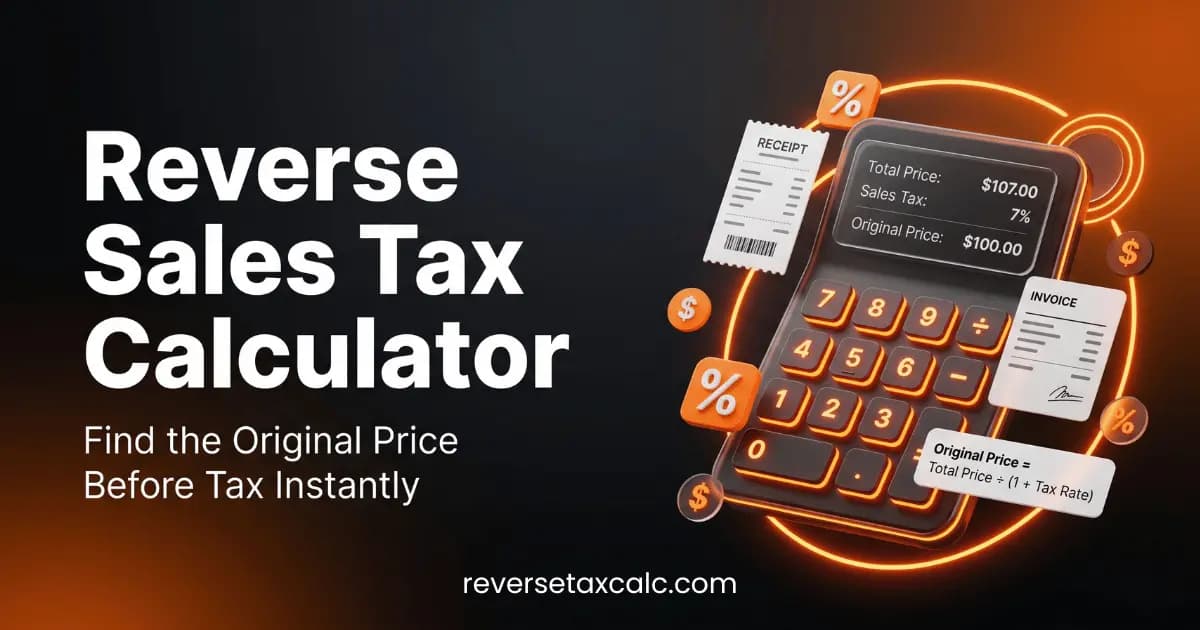
To extract the original pre-tax price from a total receipt, divide the total gross price by (1 + Tax Rate decimal). For example, at an 8.25% sales tax rate, divide the total by 1.0825. Try our free Reverse Sales Tax Calculator.
What is Reverse Sales Tax Calculation?
In standard retail accounting, sales tax is calculated by taking the net price of an item and multiplying it by the applicable state and local sales tax rate. However, bookkeepers, accountants, and shoppers frequently encounter situations where only the total gross amount paid is known (such as tax-inclusive receipts, flat-rate service bills, or lumped credit card charges).
Reverse sales tax calculation (also known as back-calculating sales tax or pre-tax price extraction) is the mathematical process of separating the original net item cost from the sales tax component.
The Reverse Sales Tax Mathematical Formula
The common mistake when back-calculating tax is taking the total price and multiplying it directly by the tax percentage. Doing so overstates the sales tax amount because the total price already includes the tax base!
Here is the mathematically exact Reverse Sales Tax Formula:
Step 1: Convert Tax Rate Percentage to a Decimal
Decimal Rate = Tax Rate (%) ÷ 100
Step 2: Calculate Original Pre-Tax Price
Pre-Tax Price = Total Gross Amount ÷ (1 + Decimal Rate)
Step 3: Determine Exact Sales Tax Collected
Sales Tax Amount = Total Gross Amount - Pre-Tax Price
How to Add Tax Onto a Price vs. Extracting Pre-Tax Price
To understand the difference, compare forward tax calculation against reverse tax calculation:
- Forward Math (How to add tax onto a price): If an item costs $100 and sales tax is 8.25%:
$100 × 0.0825 = $8.25 tax → Total = $108.25 - Reverse Math (Extracting pre-tax price): If total receipt is $108.25 at 8.25% sales tax:
$108.25 ÷ 1.0825 = $100.00 pre-tax price → Tax collected = $8.25
Step-by-Step Examples: Tax on $2,000 and Discount Math ($24.99 - $13.99)
Example 1: Calculating Sales Tax on $2,000
If you make a $2,000 purchase, how much tax will you pay?
- At 6.0% sales tax (e.g. Florida / Maryland): $2,000 × 0.06 = $120.00 tax (Total = $2,120.00).
- At 8.25% sales tax (e.g. Houston / Austin, TX): $2,000 × 0.0825 = $165.00 tax (Total = $2,165.00).
- If $2,000 is the final tax-inclusive invoice total at 8.25%, the pre-tax price is $2,000 ÷ 1.0825 = $1,847.57 and sales tax is $152.43.
Example 2: Discount Math ($24.99 - $13.99)
Suppose an item originally priced at $24.99 is discounted by $13.99 to a promotional price of $11.00. In most US states, sales tax is calculated on the net discounted price ($11.00) rather than the pre-discount price. At an 8% sales tax rate:
Tax = ($24.99 - $13.99) × 0.08 = $11.00 × 0.08 = $0.88 tax (Total = $11.88)
Bookkeeping & POS Workflow for Tax-Inclusive Invoices
In accounting tools like QuickBooks Online, Xero, or Excel, recording tax-inclusive receipts without separating sales tax artificially inflates gross revenue figures on your Income Statement. Always use our Reverse Sales Tax Calculator to break out tax liability into your Sales Tax Payable liability account.
Sources and Community References
- Reddit Bookkeeping guide on sales tax entry: Bookkeeping - Sales Tax Entry Best Practices
- Reddit golang discussion on tax calculation engines: golang - Open Source Tax Engines
Vaughn Mercer's editorial scope covers Infinix finance, tax, payroll, and payment-fee content. Estimates are educational and do not constitute financial or tax advice.