
Infinix Calculators
Tax & Payroll Calculators

Reverse Sales Tax Calculator

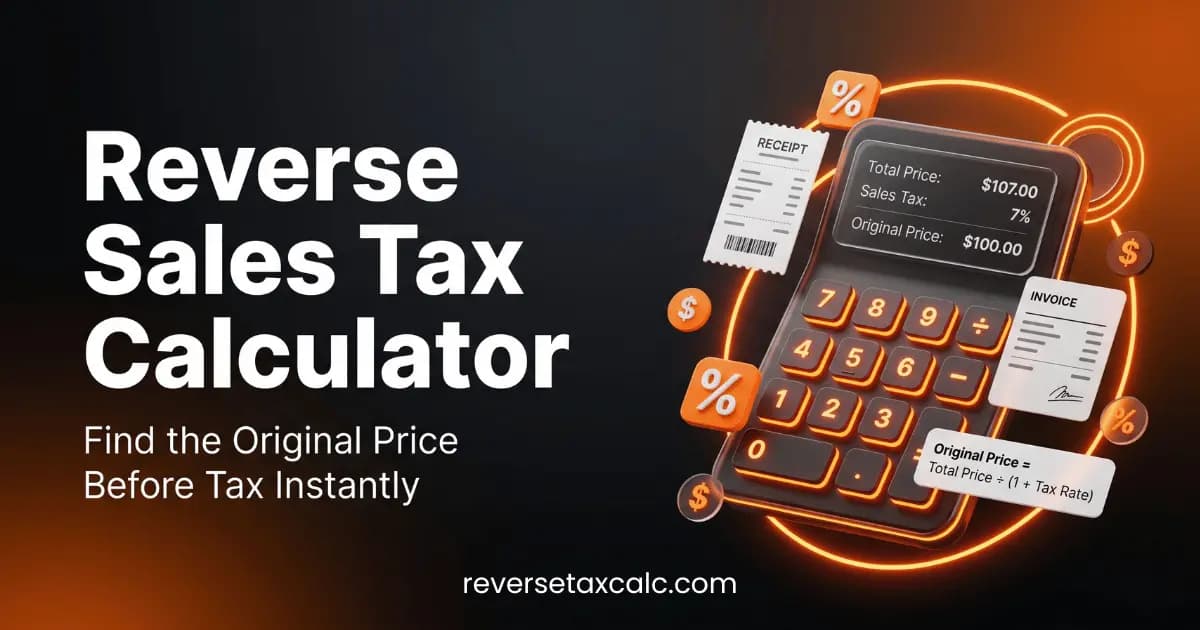
Extract the original tax-exclusive price and the tax portion from receipt totals.

Interactive Calculator

1. Provide Details

$
%

2. Output Results

Base Cost (Pre-Tax)100.00 $
Sales Tax Portion Paid8.00 $

How to Calculate: Formula & Steps

Works backward from invoice gross total using standard percentage division.

Formula Used:Base = Gross ÷ (1 + Tax Rate); Tax = Gross - Base

Step-by-Step Calculation Example

Receipt total of $108 with 8% sales tax has a base cost of $100 and tax portion of $8.

Inputs and Assumptions

Enter values that match your project or situation. The calculator uses the following fields and defaults; update them before relying on the estimate.

Receipt / Invoice Gross Total ($)
Default: 108 $
Tax Rate (%)
Default: 8 %

Common Mistakes to Avoid

  • Multiplying the total price by the tax percentage to find the tax amount, which is mathematically incorrect.

Practical Use Cases

  • Business expensing
  • Auditing checkout invoices

Expert Tips

  • Ensure you are using the correct combined state and local tax rate for accurate extraction.

Reverse Sales Tax Extraction: Mathematical Proof & Invoicing Math

In corporate bookkeeping, VAT audits, and expense reporting, extracting the pre-tax base price from a tax-inclusive receipt total requires applying the reciprocal division formula rather than direct percentage subtraction.

The Universal Reverse Tax Formulas

Pre-Tax Base Price = Gross Receipt Total ÷ [ 1 + (Sales Tax Rate % ÷ 100) ]

Tax Amount Paid = Gross Receipt Total - Pre-Tax Base Price

Why Direct Multiplication is Mathematically Incorrect

If a receipt totals $108.00 with an 8% sales tax:

  • Correct Division: $108.00 ÷ 1.08 = $100.00 Base Cost ($8.00 tax).
  • Incorrect Multiplication: $108.00 × 0.08 = $8.64 ($99.36 Base Cost — a 64¢ calculation error!).

Disclaimer

This calculation tool is provided for educational and informational estimation purposes only. Results are based on mathematical formulas and user-supplied parameters. They do not constitute formal underwriting, financial, tax, engineering, or legal determinations.

Frequently Asked Questions About Reverse Sales Tax Calculator

What is a reverse sales tax calculator used for?
It extracts the original pre-tax price and the tax dollar amount from a receipt or invoice total that already includes sales tax — useful for bookkeeping, expense reports, and verifying that a charged total matches the expected tax rate. Try our free Reverse Sales Tax Calculator.
What is the formula to remove tax from a total price?
Base Price = Total ÷ (1 + Tax Rate), then Tax Amount = Total − Base Price. For example, a $108 receipt total at an 8% tax rate has a base price of $100.00 and $8.00 in tax.
How is reverse sales tax different from a normal sales tax calculation?
A normal sales tax calculation starts from a known pre-tax price and adds tax to find the total. Reverse sales tax works backward — you only know the final total and need to solve for the pre-tax price and tax portion, which requires dividing (not multiplying) by the tax rate factor.
Can I use this to double-check a receipt or invoice tax rate?
Yes. Enter the receipt's gross total and divide out the tax to see the implied base price, then compare the resulting tax amount to your expected local combined state and local rate to confirm the merchant charged the correct rate.
Vaughn Mercer portrait
Editorial contact: Vaughn Mercer
Editorial policyEstimate only