
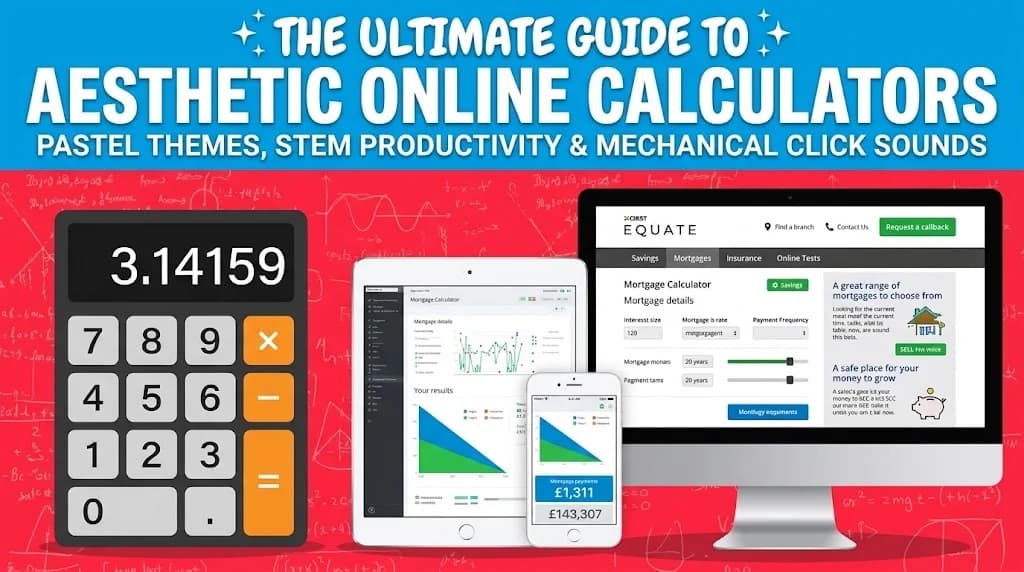
The Ultimate Guide to Aesthetic Online Calculators: Pastel Themes, STEM Productivity & Mechanical Click Sounds

Why Aesthetic Tools Matter in 2026:
Study ergonomics is no longer just about chair posture—it extends to your digital screen workspace. An aesthetic online calculator with soothing pastel themes, satisfying mechanical key click sounds, calculation tape history, and expandable trigonometry math turns mundane homework and budget modeling into a focused, pleasant experience. Launch the free Aesthetic Pink Calculator directly in your browser.
Across StudyTok, Pinterest desk setup communities, and university STEM study groups, aesthetic digital tools have surged in popularity. Students and professionals are moving away from sterile gray system utilities toward curated tools that reflect personal style without sacrificing computational accuracy.
The Psychology of Aesthetic Study Workspaces & STEM Productivity
Visual psychology research indicates that working in aesthetically pleasing environments reduces cortisol levels and mitigates math anxiety. Soft pastel tones (such as classic rose and soft blush) create a calm, low-stress visual baseline, helping students maintain longer deep-work focus sessions during exam preparation.
The 4 Custom Pastel Themes: Rose, Blush, Noir & Sand
Our online Pink Calculator includes 4 curated aesthetic themes:
- Classic Rose: Soft rose accents with clear, high-contrast numerical readouts.
- Soft Blush: Warm, creamy pastel pink tones designed for low eye strain.
- Minimal Noir: Monochromatic dark contrast with clean typography.
- Warm Sand: Earthy neutral tones blended with subtle warmth.
Retro Mechanical Audio Feedback & Auditory Study Cues
Tactile and auditory feedback are critical for data entry speed. Using the browser's native Web Audio API, our calculator synthesizes realistic mechanical switch clicks with zero lag, providing tactile auditory satisfaction as you type. A 1-click sound toggle allows instant muting in libraries and quiet study halls.
Scientific Math Power: Trigonometry, Arctan, Powers & Factorials
Unlike basic 4-function phone calculators, clicking the Scientific Math drawer reveals advanced computational tools:
- Trigonometry: $\sin, \cos, \tan$, and $\tan^{-1}$ (inverse tangent in both radians and degrees).
- Logarithms & Exponentials: $\log_{10}, \ln$, and $e^x$.
- Powers & Roots: $\sqrt{x}, x^2, x^3$, and factorials ($n!$).
- Constants: Instant precision insertion of $\pi$ and Euler's constant $e$.
Online Pink Calculator vs TI-84 Plus CE Rose & Casio fx-9750GIII
| Feature | Infinix Online Calculator | TI-84 Plus CE Pink | Casio fx-9750GIII Pink |
|---|---|---|---|
| Price | Free (No Ads / No Signups) | $130 – $150 USD | $55 – $65 USD |
| Audio Feedback | Mechanical Click Synthesis | Silent rubber membrane | Plastic click |
| Clipboard Copy | 1-Click Instant Copy | None | None |
How to Install as a Native Full-Screen App on iOS & Android
You can turn the pink calculator into a standalone mobile app on your smartphone without downloading anything from the App Store:
- Open infinixcalculator.com/calculators/pink-calculator in Safari (iOS) or Chrome (Android).
- Tap Share (iOS) or the three-dot menu (Android).
- Select Add to Home Screen.
Launch the Aesthetic Pink Calculator today for homework, STEM problem sets, and daily financial calculations.
Rowan Vance's editorial scope covers Infinix mathematics, unit conversions, ratings, and educational scoring guides. No university or testing-agency affiliation is claimed.